Dive into the world of crystal-clear precision and detail with Samsung’s high resolution monitors. From graphic designers and gamers to folks who just love superb visuals, a high resolution monitor can change how you use a computer. Let’s journey into the realm of Samsung’s top-notch screens. Let’s find the ideal monitor that boosts your work and fun!
Key Features of High Resolution Monitors
Investing in a high resolution monitor can significantly enhance your visual experience. Here are the key features to consider.
-
Resolution
Clear pictures and more space on your screen come from high resolutions like 4K (3840 x 2160 pixels).
-
Panel Type
Colours look real and you get better contrast with different panel types (IPS, VA, TN). Plus, things move smoother.
-
Refresh Rate
Gamers and video editors want high refresh rates (in Hz) for perfectly smooth motion.
-
Colour Accuracy
For the people who create stuff, it’s super important to get the colours just right.
-
Screen Size
Bigger screens mean bigger fun, just make sure it fits your desk and isn’t too close to your eyes.
-
Connectivity
Check that the monitor has the right slots (HDMI, DisplayPort, USB-C) for all your gadgets.
-
Ergonomics
It needs to move up and down, tilt or swivel for best comfort and work feel.
-
Response Time
Gamers love low response times. Makes everything sharp and blur-free.
Why Choose Samsung High Resolution Monitors?
Samsung high resolution monitors are an excellent choice for several reasons.
-
Incredible Picture
Samsung screens deliver top-notch picture quality, boasting high pixel count and accurate colours. This creates sharp, vivid visuals, perfect for artists, gamers, and movie fans who want real and striking images.
-
Cutting-Edge Tech
Samsung packs their screens with the latest tech, like OLED and QLED displays. These offer dark blacks and bright colours. High refresh rates, up to 240Hz, minimise blur and deliver flawless visuals. This is perfect for intense gaming and detailed design work.
-
Cool Features
Lots of Samsung screens have advanced features like HDR (High Dynamic Range), making colours and contrasts pop. Plus, user-friendly designs – adjustable stands, blue light filters, and technology to prevent flickering – make viewing easy and comfortable on the eyes.
-
Solid Performance
Samsung stands for quality and durability. Their screens are designed to last thanks to tough testing and high production standards. These screens offer steady performance and long life, making them a safe buy for both private and work use.
-
Wide Choice
Samsung has a varied range of screens to fit different wants and likes. Whether you need a wide screen for juggling tasks, curved ones for immersive gaming, or sleek ones for a modern work spot, Samsung has your back. They also offer smart models that connect easily and give access to a pile of apps and services.
Samsung’s Top High Resolution Monitors
-
27” S80TB ViewFinity UHD Monitor with IPS Panel
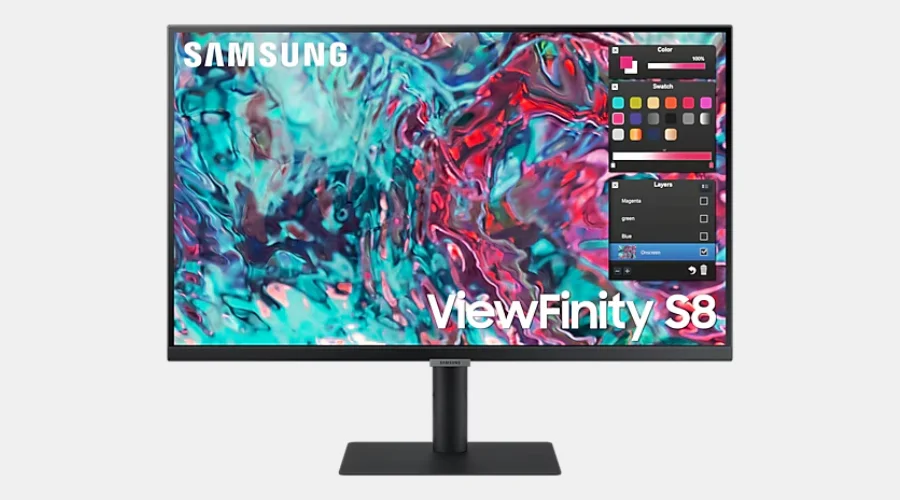
27” S80TB ViewFinity UHD Monitor with IPS Panel | Oglooks
With its IPS screen, the 27″ S80TB ViewFinity UHD Monitor gives you amazing visuals. It’s packed with rich colours and has a broad view. It comes with a fast and versatile Thunderbolt 4 connection, and also built-in speakers. All these make a full media experience. You can get this top-class monitor for £16.63 in a 24-month plan or a one-time buy of £399. So, for top-notch resolution monitors, Samsung is, without a doubt, your go-to.
-
57” Odyssey Neo G9 Dual UHD Monitor
The 57″ G95NC Odyssey Neo G9 is a stellar dual UHD monitor. It boasts an amazing 240Hz refresh rate, great for both intense gaming sessions and tackling work tasks. This state-of-the-art tech can be yours for only £48.59 a month over 36 months, or a single payment of £1,749. The Odyssey Neo G9’s large screen, coupled with its high performance traits, offers a second to none visual experience. If you’re deep into a thrilling game or juggling multiple tasks, it’s got you covered. Looking for top-quality, high resolution monitors? Samsung is a great go-to option.
-
49” Odyssey OLED Smart Gaming Monitor
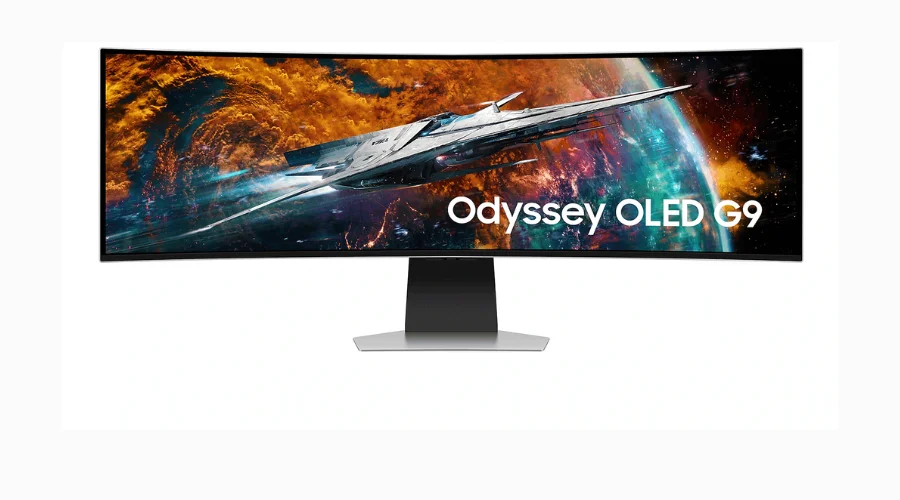
49” Odyssey OLED Smart Gaming Monitor | Oglooks
The Odyssey OLED G9 is a top-notch 49″ gaming monitor. With its OLED screen and 240Hz refresh rate, it provides unbelievably crisp and fluid gaming scenes. You can get it for £44.42/month over three years, or a single payment of £1,599. This monitor blends modern tech, bright images, and handy features. It’s a perfect match for gaming lovers and tech fans. Offering stellar performance and clear images, it ranks among Samsung’s top high resolution monitors.
-
32” Odyssey OLED UHD Gaming Monitor
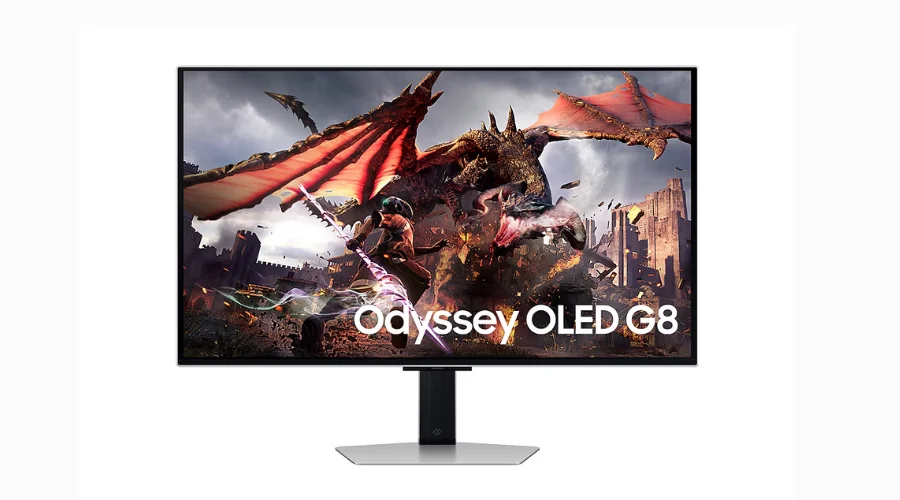
32” Odyssey OLED UHD Gaming Monitor | Oglooks
The Odyssey OLED G9 is a top-notch 49″ gaming monitor. With its OLED screen and 240Hz refresh rate, it provides unbelievably crisp and fluid gaming scenes. You can get it for £44.42/month over three years, or a single payment of £1,599. This monitor blends modern tech, bright images, and handy features. It’s a perfect match for gaming lovers and tech fans. Offering stellar performance and clear images, it ranks among Samsung’s top high resolution monitors.
Conclusion
Samsung’s high resolution monitors boast a high definition display that’s clear and reliable, perfect for different applications. Thanks to progressive technology, exact colour representation, and an array of helpful features, each monitor promises a captivating visual ride. Samsung’s monitors are dependable and superior, ideal for professional tasks, game time, or movie nights.
To learn more, check out OGlooks.
FAQs

